
A practical process for finding professional contact details, checking your research, and starting a worthwhile conversation.
Finding an email address can be painfully time-consuming. You know who you want to reach. Then come the company pages, profile tabs, old presentations, and guesses about where the full stop goes.
That frustration was the starting point for my original guide. The most useful idea in it was simple: work through a repeatable process. Identify the person, look for public information, understand the company’s email pattern, and check what you find.
This updated version keeps that process and brings the tools and advice up to date. It is written for founders reaching out to potential investors, customers, partners, and advisers.
The research should give you two things: a reliable way to reach someone, and a good reason to contact them.
The screenshots are from the original guide and show the interfaces as they appeared then. Select any image to open it at full size.
In this guide
- Start with the right person
- Look where they already publish
- Find the company’s email pattern
- Verify what you find
- Keep a useful research record
- Make the first message count
1. Start with the right person
Before searching for an address, write down the person’s name, current company, role, and the reason your message belongs with them. That last detail is worth the effort. A perfectly delivered email to the wrong person still takes you nowhere.
For investor outreach, narrow the list by sector, company stage, geography, and the kind of capital you need. Then check the firm’s own website for its current team, investment focus, and preferred way to receive pitches.
Investor Atlas by 2080 can help you explore investors and build that initial research list. Treat a directory entry as a starting point: confirm the person’s current affiliation and fit before reaching out.
For customer or partnership outreach, ask who actually owns the problem you solve. The most recognizable name at the company may be several steps removed from that decision. A relevant team lead can be a much better starting point.

2. Look where they already publish
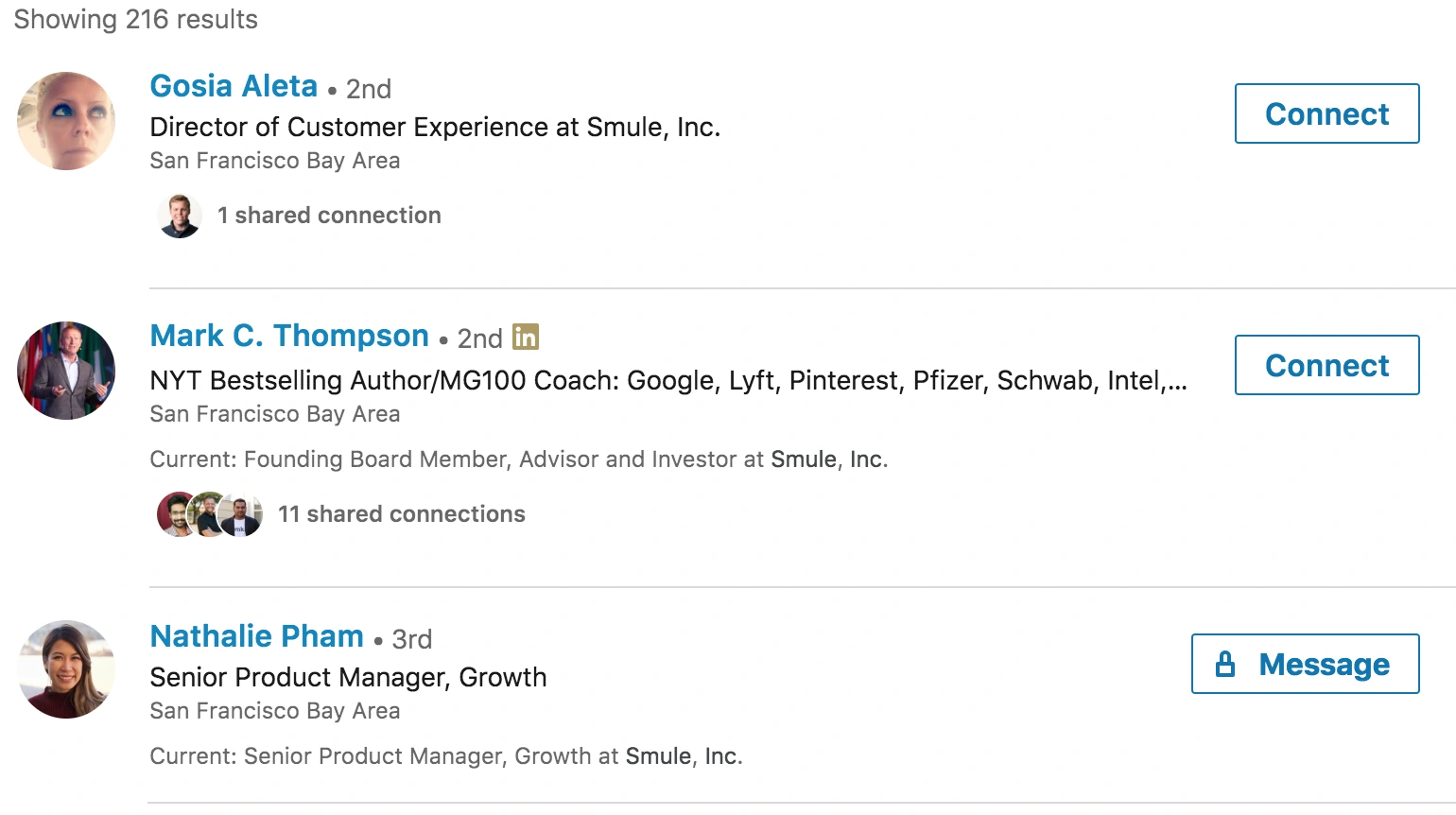
Start with places where someone has chosen to be reachable: the company’s team and contact pages, their professional website, an author bio, an event speaker page, or a public presentation. The opening and closing slides of a talk are especially easy to overlook.

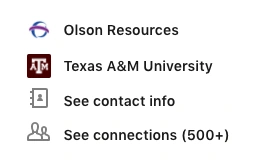
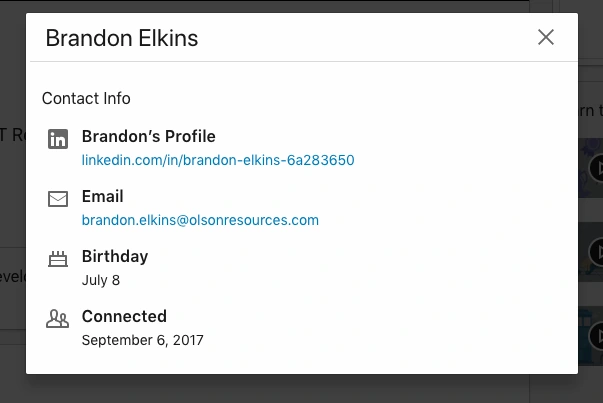
LinkedIn can help you confirm someone’s role and the name they use professionally. Check any contact details they have chosen to share. If the address is not available, a brief message asking for the appropriate business contact can save a long search.
Search engines can surface pages you would otherwise miss. These example searches use a fictional person and a reserved example domain:
- "Alex Morgan" "Example Company" — find professional mentions.
- site:example.com "Alex Morgan" — look within the company’s website.
- "Alex Morgan" filetype:pdf — look for public talks and documents.
- "@example.com" "contact" — look for a published company contact or an email pattern.
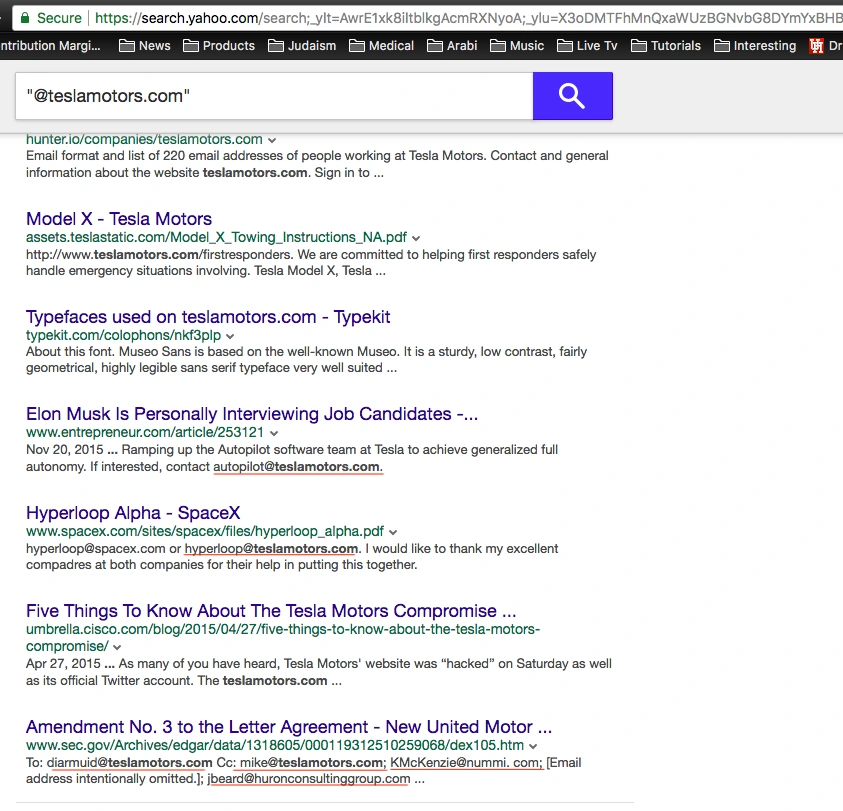
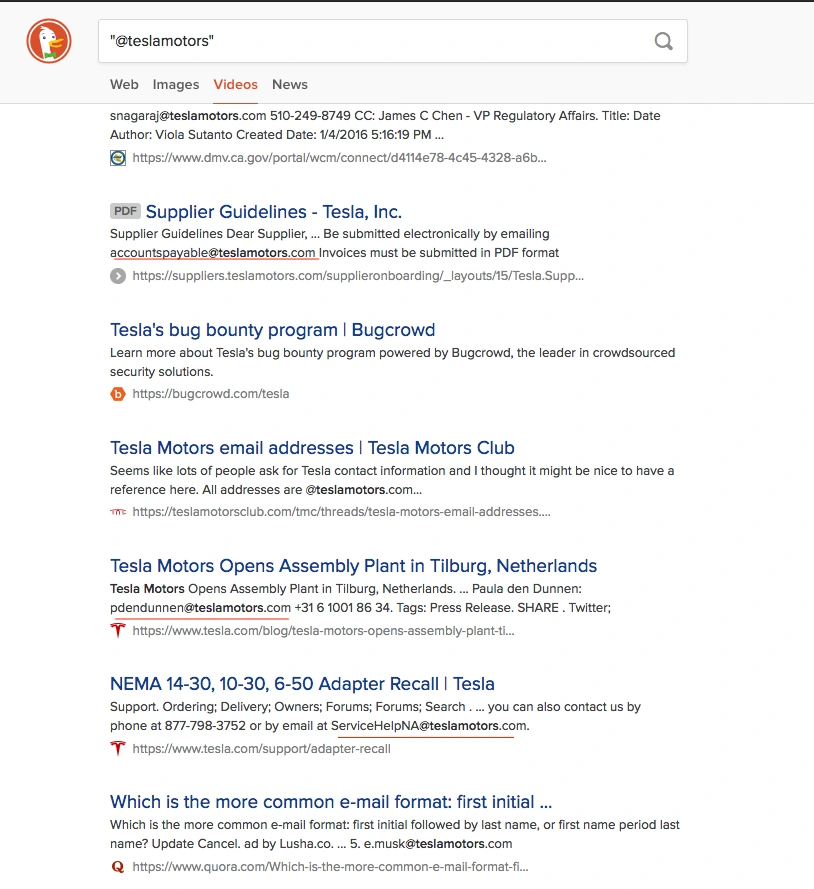
Open the underlying page and check its date and context. An old conference deck can be a useful clue, but the person may have changed jobs since the talk. A company’s current contact form or published pitch inbox may also be the route it wants you to use.
3. Find the company’s email pattern
One of the most useful points in my original guide was that a lookup tool can help even when it cannot find the exact person. A few published addresses may reveal how the company structures its email.
Hunter’s Domain Search returns company-domain addresses with public sources and discovery dates. Its Email Finder lets you start with a person’s name and company domain. Review the supporting information as well as the result.
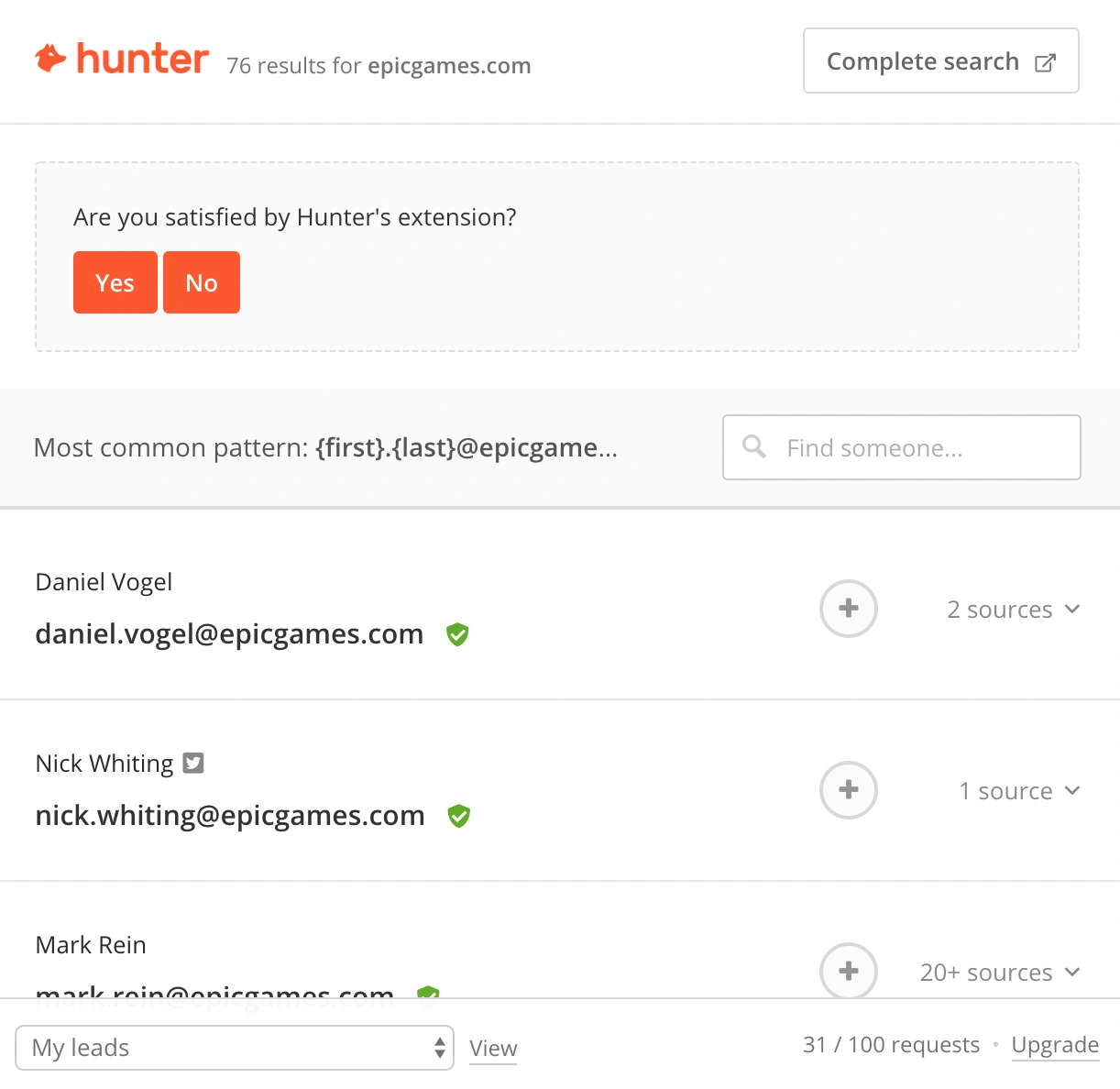
Use the pattern you can actually observe to form a small set of candidates. Here is a compact reference using the fictional Alex Morgan at example.com:
| Pattern | Illustrative address |
|---|---|
| First name | alex@example.com |
| First name + last name | alexmorgan@example.com |
| First name . last name | alex.morgan@example.com |
| First initial + last name | amorgan@example.com |
| First name _ last name | alex_morgan@example.com |
These are examples of formats, not verified addresses or a ranked list of likely matches.
Look at the name the person uses in their professional bio. Someone listed as “Tim” may use that name in their address, even if a formal document says “Timothy.” Let their own public profile guide you.
Companies can also use more than one pattern. Name collisions, acquisitions, and older accounts can create exceptions. If the evidence is weak, go back to the source or ask for an introduction before sending to a guess.
4. Verify what you find
Finding a plausible address and checking whether it can receive mail are separate tasks. Run your strongest candidate through a verifier such as Hunter’s Email Verifier or Email Hippo, and read the explanation behind the result.
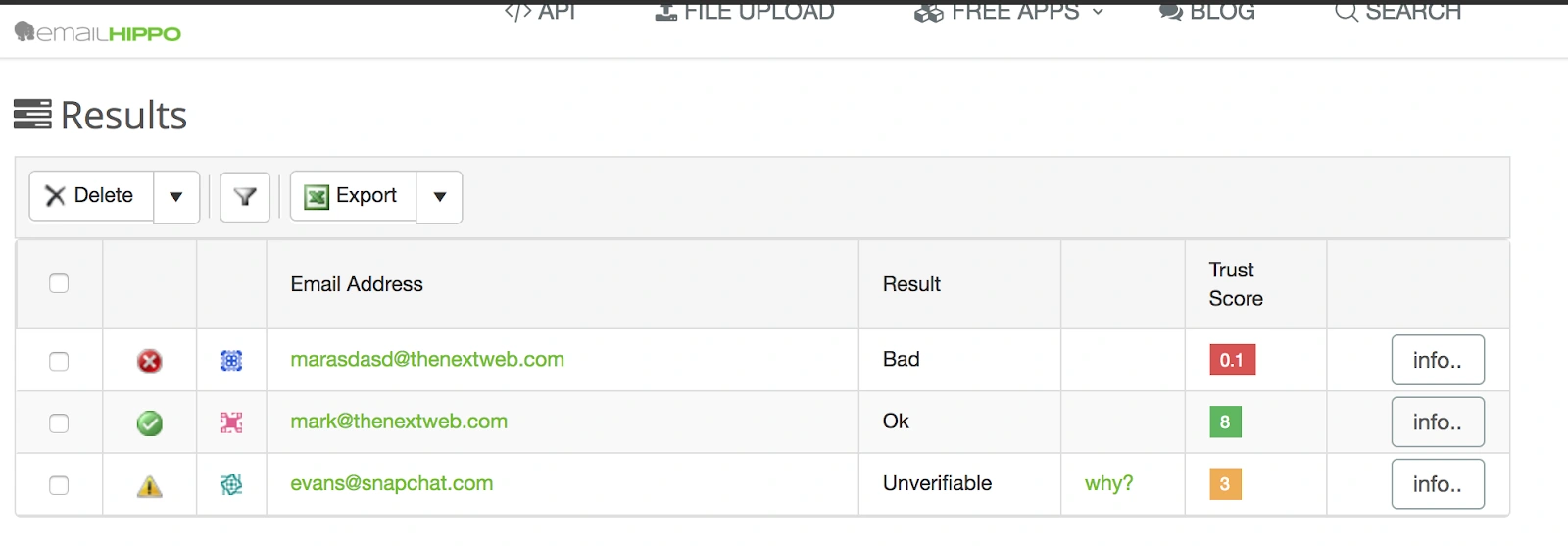
Email Hippo describes its main results as OK, Bad, and Unverifiable. Other tools use their own labels. A useful way to act on them is:
- Valid or OK: a positive signal about the address. Still check that your research connects it to the intended person.
- Invalid or Bad: stop and review the address, domain, or person’s current affiliation.
- Unverifiable or unknown: the tool could not confirm the result. Keep it marked as uncertain and seek another source or contact route.
A catch-all domain may accept mail for many address variations without confirming that a particular person’s mailbox exists. Email Hippo lists this as one reason an address can remain unverifiable. A verifier result also cannot promise inbox placement, a reply, or that the recipient welcomes your message.
5. Keep a useful research record
Make the process easy to repeat. A simple spreadsheet can hold the person’s name, company, role, reason for reaching out, candidate address, source URL, verification result, and date checked.
Keep “published by the person,” “found by a tool,” and “inferred from a pattern” distinct. Those are different levels of evidence. A month later, you or a colleague should be able to understand why the address is on the list.
This was another useful idea in the original guide: a clear process can be delegated. If a teammate helps with research, ask them to save the source and flag uncertainty. A row is complete when its evidence is clear, including when the answer is “no reliable address found.”
Set a reasonable time limit for each contact. When a search stalls, a published team inbox, an introduction, or a direct question about the preferred contact route may move the conversation forward more effectively.
6. Make the first message count
The research should help you write a more relevant email. Explain why you chose this person, what you are working on, and the small next step you are asking for.
For example, a founder might adapt this structure using only details they have verified:
Hi [Name],
I saw your work on [specific, relevant topic]. We’re building [one-sentence description] for [customer], and have [one concrete sign of progress].
Your focus on [relevant area] is why I’m reaching out. Would you be open to a short overview?
Best,
[Name]
Keep the request easy to answer. Use your real identity, follow the recipient’s stated contact preferences, and respect a request to stop. Finding an address is the beginning of a professional relationship; the message needs to earn its place in that inbox.
What I would leave out of the old playbook
The original guide included a long list of tools, browser-extension tricks, and guesses about personal accounts. This edition focuses on professional sources that readers can inspect and a process they can repeat.
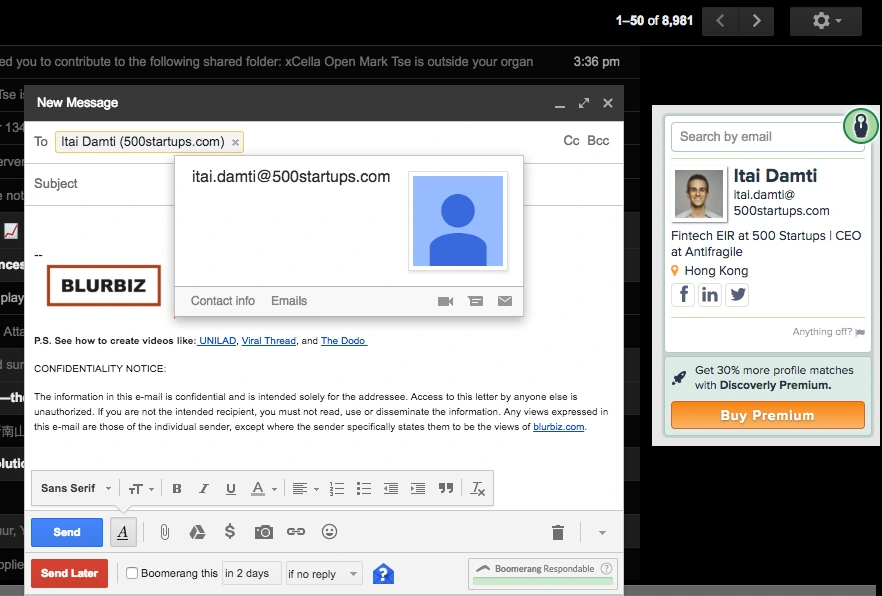
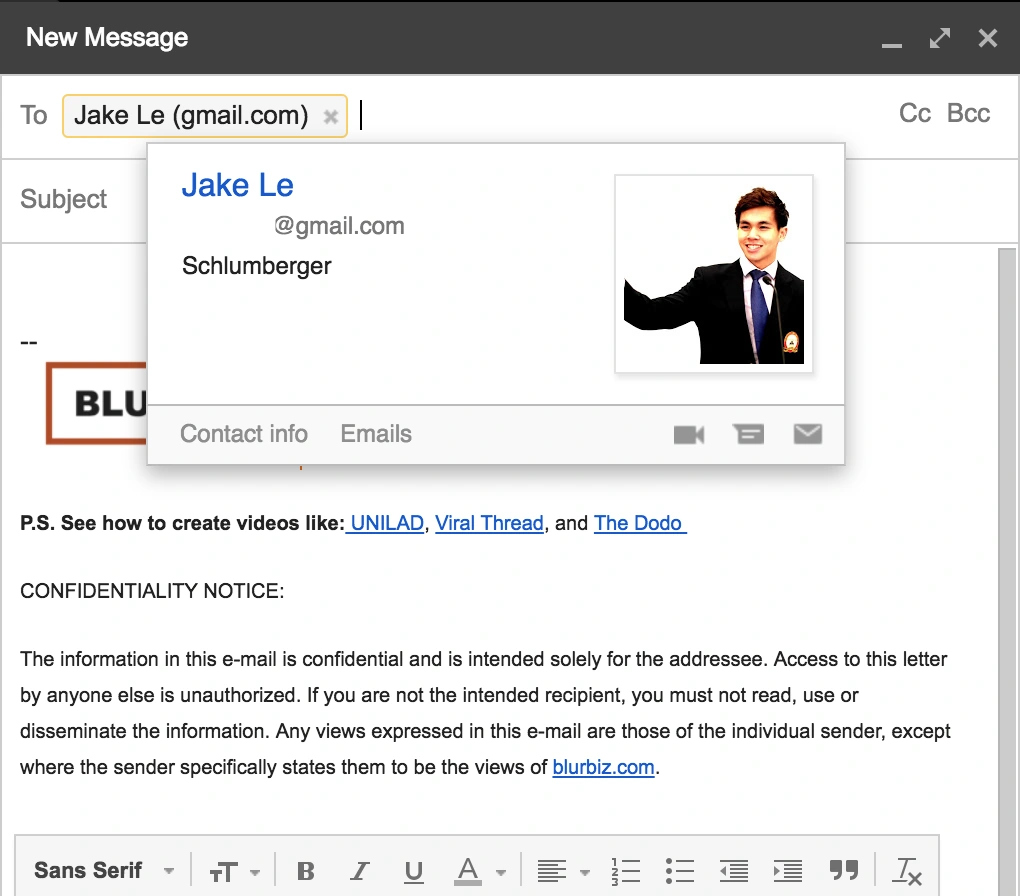
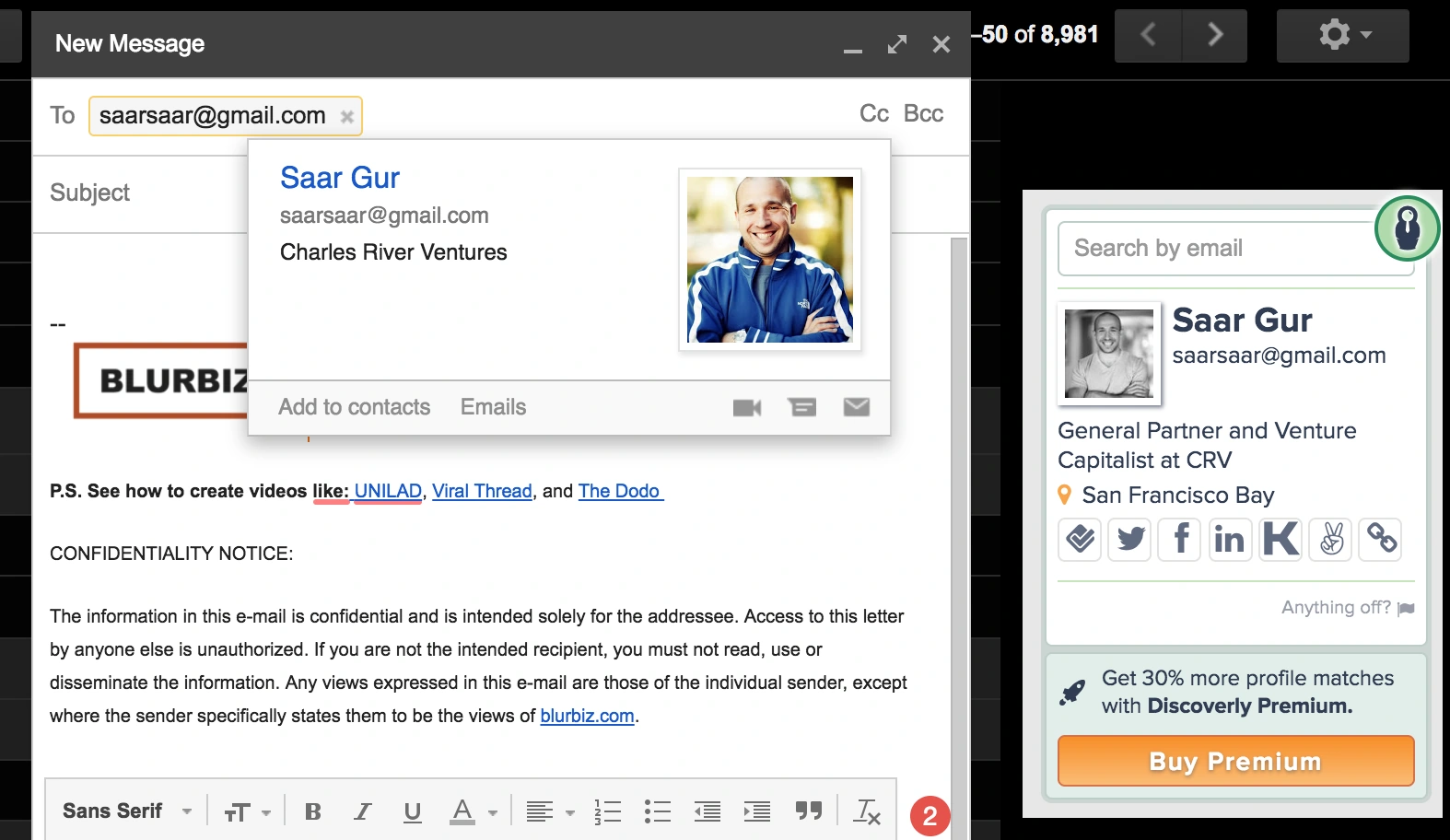
A familiar profile photo in an email interface is not enough evidence that you have the right address. Neither is a plausible personal Gmail address. Prefer the current business contact a person publishes, the route their organization provides, or permission to continue the conversation elsewhere.
See the original guide’s older examples
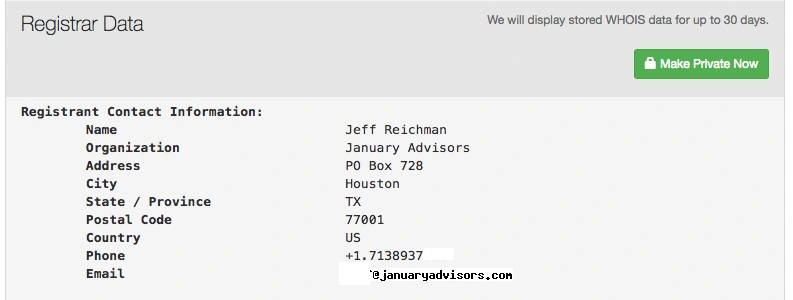
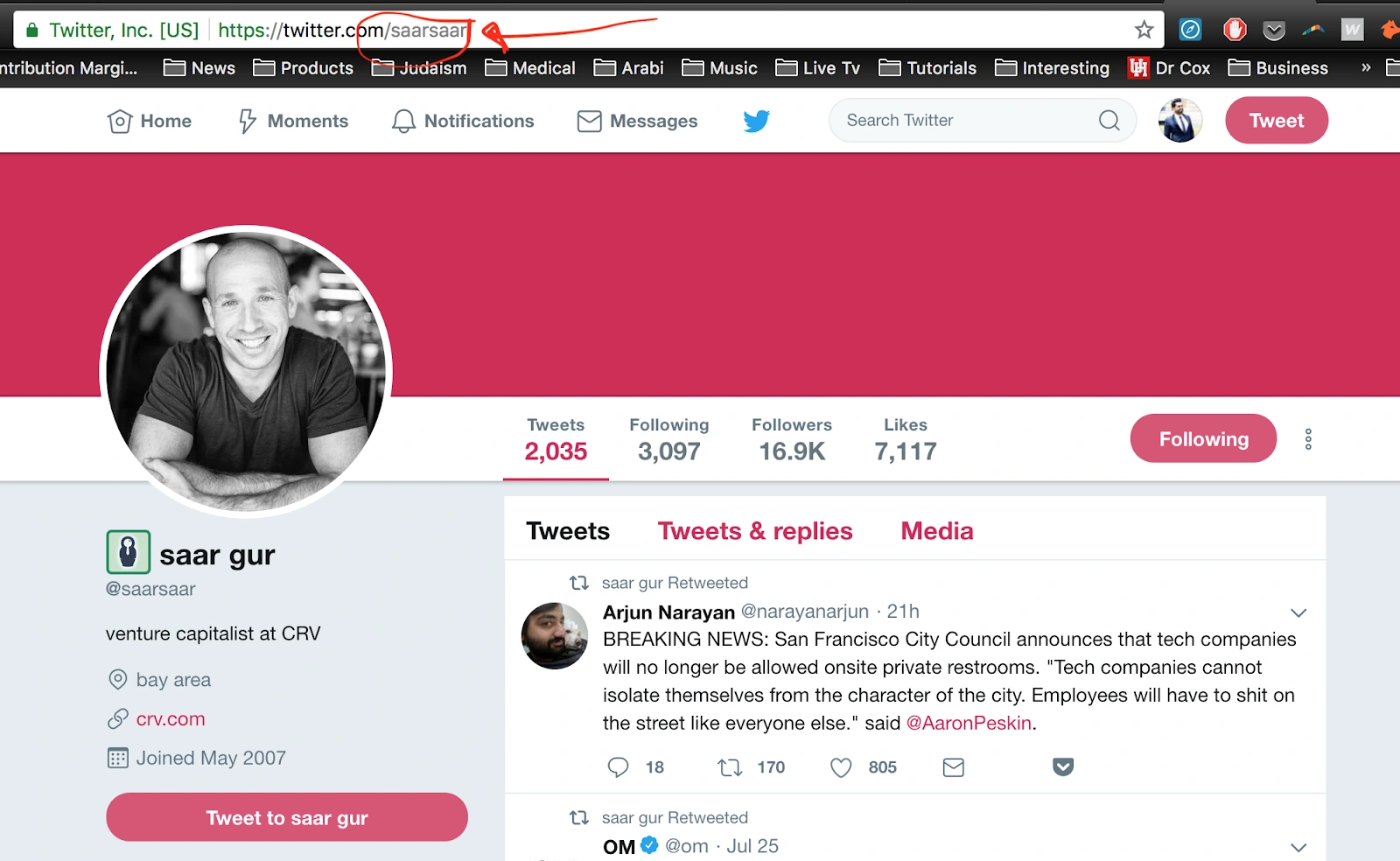
These screenshots document the earlier guide. The updated recommendations are in the steps above.
Before you send
- You have checked the person’s current role and why your message is relevant.
- You can point to the source of the address or explain how it was inferred.
- You have reviewed the verification result and resolved any uncertainty.
- Your email makes one clear, specific request.
For founders building an investor list, explore Investor Atlas, choose the people whose focus fits your company, and apply this process to each contact.
Adapted and updated from “The Complete Guide to Finding Anyone’s Email” by Timur Daudpota. Tool references reviewed September 19, 2026.
Tools and references
- Hunter Domain Search — company-domain research and public sources.
- Hunter Email Finder — lookup by professional name and company domain.
- Hunter Email Verifier — verification checks and their limits.
- Email Hippo — verification results and catch-all explanations.





.svg)